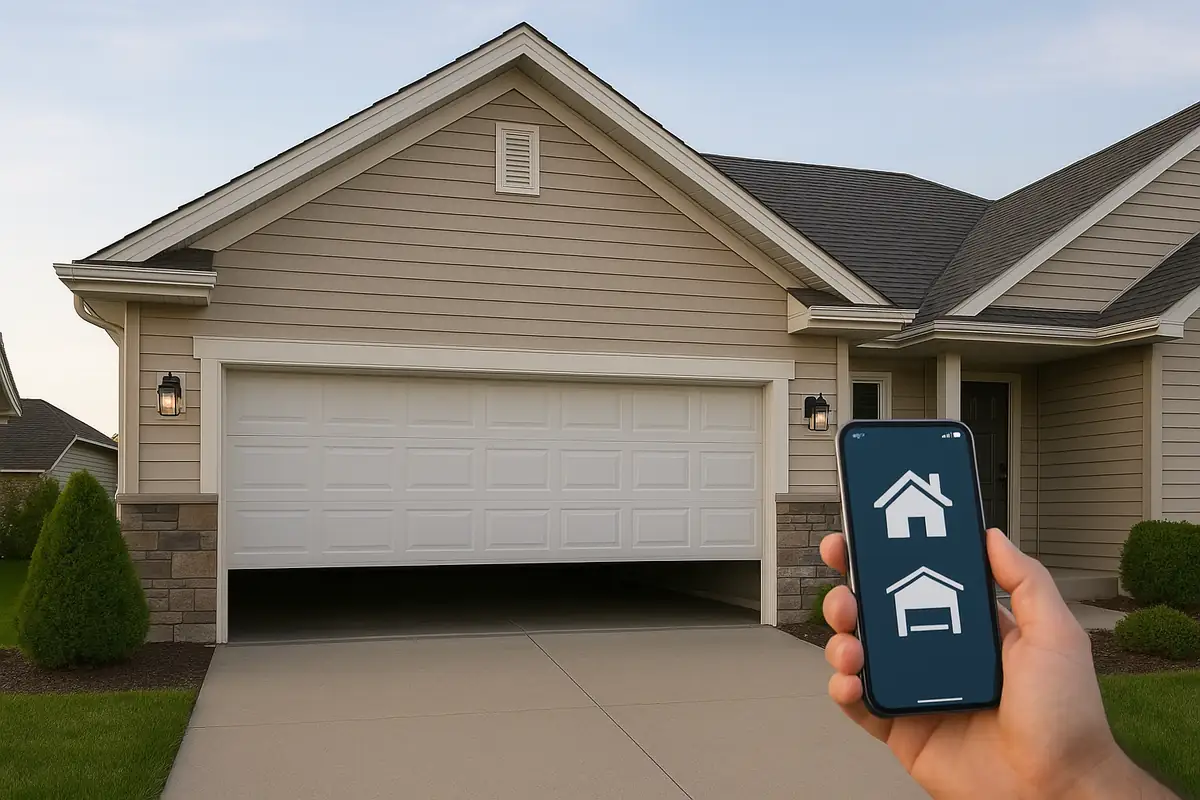
How to Program Your Garage Door Remote: Essential Guide for Oak Park, CA Residents

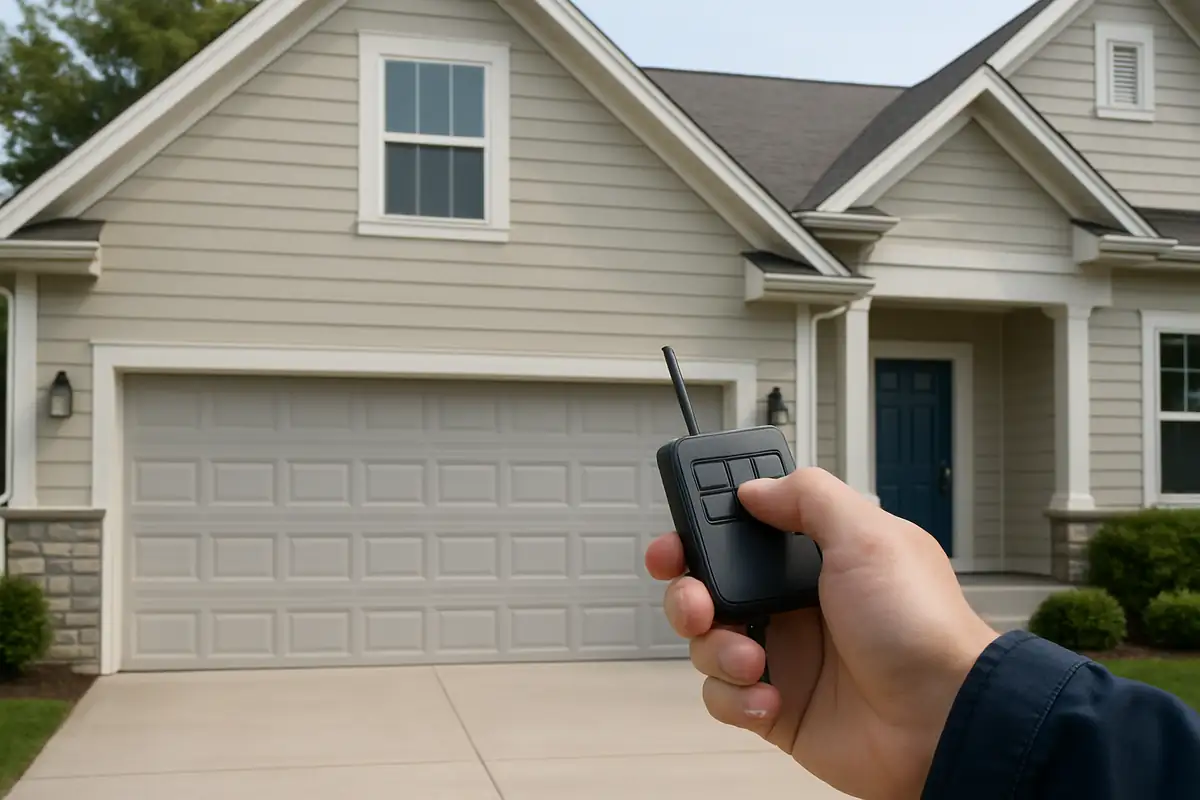
An Introduction to Garage Door Remotes
Having a properly functioning garage door remote is essential for convenience and home security. In Oak Park, CA, where homes often feature garage doors, knowing how to program your remote can save you time and hassle. Whether you have a new remote or need to reprogram an old one, this guide will walk you through the process step-by-step.
Why You May Need to Program Your Garage Door Remote
There are several reasons why you might need to program your garage door remote:
- New remote purchase
- Lost or malfunctioning remote
- Changing security codes for safety
- Adding additional remotes for family members
Safety and Security
Changing the security codes regularly can enhance the safety of your home. With increasing incidents of break-ins, it’s essential for homeowners in Oak Park, CA, to stay proactive.
Gathering Your Tools
Before you start programming your garage door remote, you will need:
- Your garage door remote
- The garage door opener (located in your garage)
- A step ladder (if necessary)
- Owner’s manual (if available)
Having everything on hand will streamline the process, making it quicker and more efficient.
Steps to Program Your Garage Door Remote
Follow these simple steps to program your garage door remote:
- Locate the “Learn” Button: On your garage door opener, find the “Learn” button. This is usually on the back or side of the unit.
- Press the “Learn” Button: Press the button once and release it. The light on the opener will blink, indicating it is ready to learn a new code.
- Press the Remote Button: Within 30 seconds of pressing the “Learn” button, press the button on your remote that you want to program. The light on the opener should blink again, confirming successful programming.
- Test the Remote: Open and close the garage door using the remote to ensure it works correctly. If it does not work, repeat the steps.
Common Issues and Troubleshooting
If you encounter problems during programming, consider the following:
- No Response: Ensure the remote has fresh batteries. Dead batteries are a common issue.
- Remote Not Working: Make sure you are within range of the opener. Try standing closer to the unit.
- Multiple Remotes: If programming multiple remotes, you may need to repeat the programming steps for each one.
When to Call a Professional
If you’ve tried everything and your remote isn’t responding, it may be time to contact a professional. AllStar Garage Door Repair in Oak Park, CA, has the expertise to troubleshoot and fix any issues with your garage door system.
Additional Tips for Oak Park, CA Residents
When living in Oak Park, CA, keeping your garage door secure is vital:
- Regularly check the sensors for functionality.
- Consider upgrading to a smart garage door opener for enhanced security.
- Always keep your remote safe and store it securely to avoid loss.
Conclusion
Programming your garage door remote doesn’t have to be a daunting task. With this step-by-step guide, you can easily manage your garage door access. If you ever face issues or need assistance, don’t hesitate to contact AllStar Garage Door Repair, your trusted partner in garage door solutions in Oak Park, CA. We’re here to ensure your garage door is functioning safely and securely!
Explore More Resources
Related Articles
Service Areas
We proudly serve Oak Park, Agoura Hills, Malibu Junction, Agoura, Westlake Village and more areas.
Our Services
Professional garage door repair, spring repair, opener installation and more. View all services →
Garage Door Automation and Smart Home Integration: Enhance Your Oak Park Home
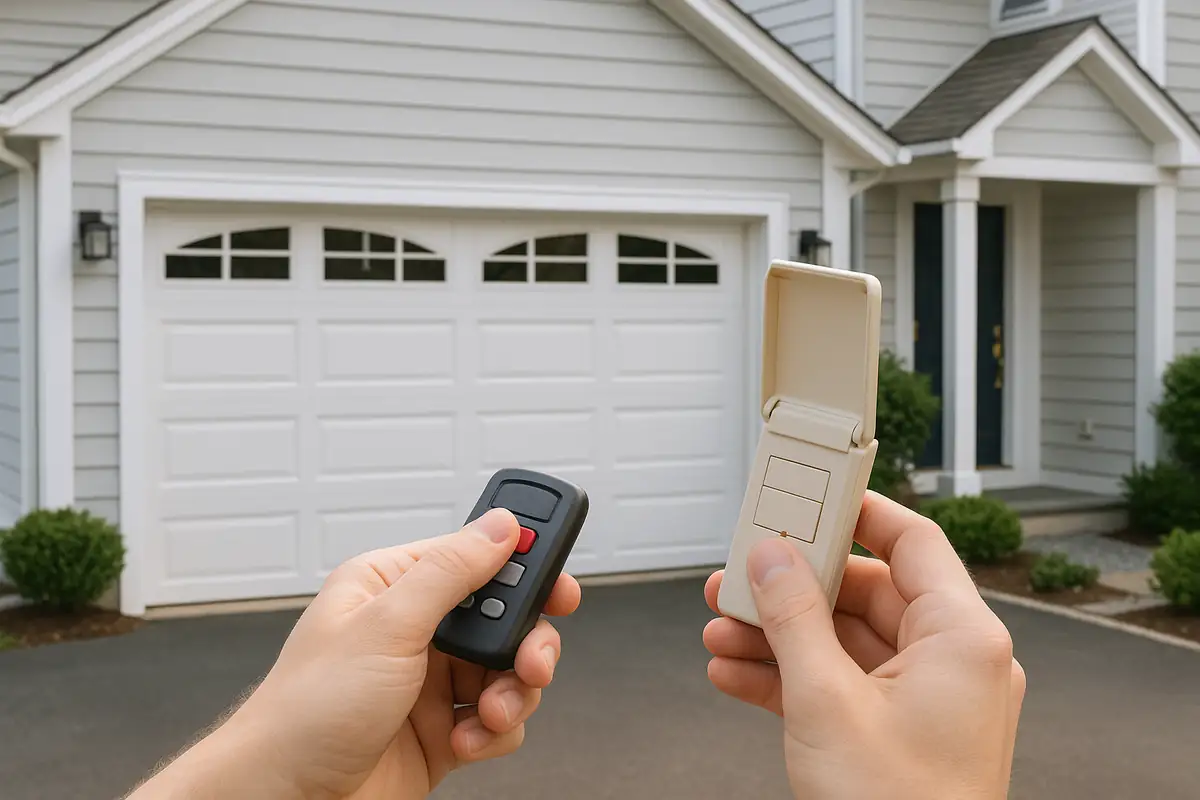
Weather-Proofing Your Garage Door: Essential Tips from AllStar Garage Door Repair in Oak Park, CA