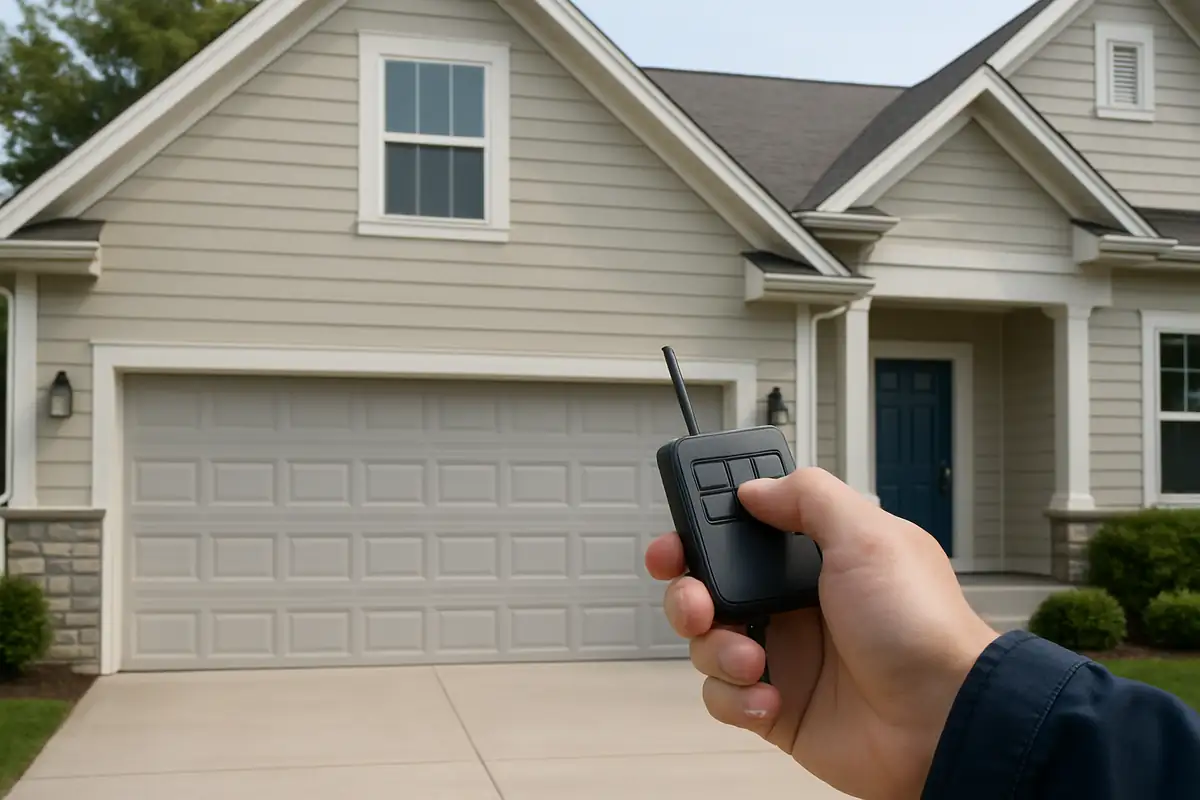
How to Program Your Garage Door Remote: A Complete Guide by AllStar Garage Door Repair

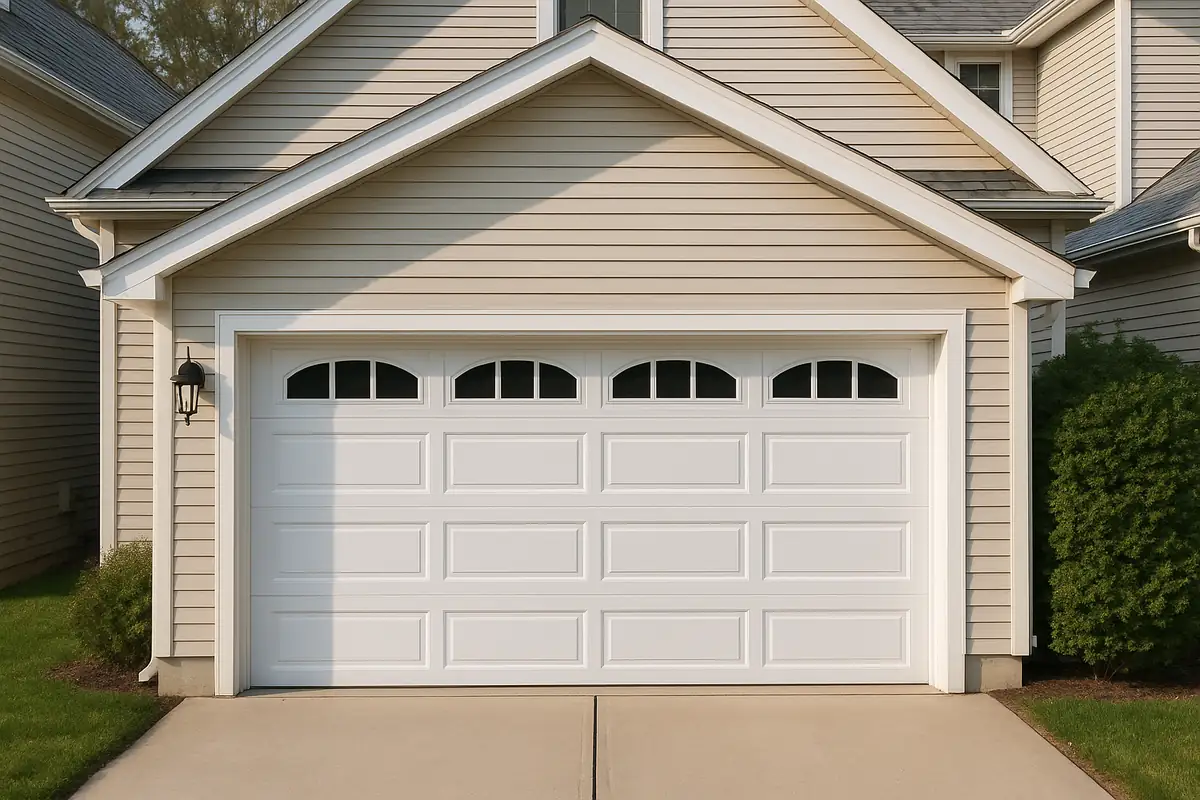
The Importance of a Functional Garage Door Remote
Your garage door remote is a vital part of your home’s security and convenience. In Oak Park, CA, where many residents rely on their garages for storage and access, understanding how to program your remote can save you time and frustration. This guide will walk you through the process, troubleshooting tips, and some common issues you may encounter.
Understanding Your Garage Door Remote
Before we dive into programming, let’s take a closer look at the components involved:
- Transmitter: The device you hold in your hand that sends a signal to your garage door opener.
- Receiver: The part installed in your garage that receives the signal from the transmitter.
- Battery: Powers your remote; low battery can cause malfunctioning.
Types of Garage Door Remotes
There are mainly two types of garage door remotes:
- Fixed Code Remotes: Transmit a predetermined code each time you press a button.
- Rolling Code Remotes: Generate a new code each time the remote is used, enhancing security.
Step-by-Step Guide to Programming Your Garage Door Remote
Follow these steps to program your garage door remote successfully:
Step 1: Gather Your Tools
You’ll typically need the following:
- Your garage door opener's manual (for specific instructions)
- Your remote control
- A ladder (if needed to access the garage door motor)
Step 2: Locate the Learn Button
The learn button is usually located on the back or side of the garage door opener motor. This button may be color-coded and is often labeled.
Step 3: Program Your Remote
- Press and release the learn button on the garage door opener.
- Within 30 seconds, press the button on your remote that you want to program.
- Wait for the garage door opener lights to blink or hear a click sound, indicating the remote has been programmed.
Step 4: Test Your Remote
After programming, stand a few feet away from the garage door and press the button on your remote. The door should open or close normally.
Troubleshooting Common Issues
If your remote isn’t working after programming, here are some common issues to check:
- Low Battery: Replace the battery in the remote and try again.
- Distance: Ensure you are within range of the garage door opener.
- Interference: Other electronic devices may interfere with the signal.
When to Call a Professional
If you encounter persistent issues despite following these steps, it may be time to contact a professional. Here are a few scenarios where you might need expert help:
- Inability to locate the learn button or understand your specific opener's programming process.
- Malfunctioning garage door opener that isn't responding even with a programmed remote.
- Any signs of damage to the garage door system or wiring.
Expert Tips for Garage Door Maintenance
Regular maintenance can extend the life of your garage door and remote:
- Check Batteries: Replace remote batteries at least once a year.
- Lubricate Moving Parts: Keep hinges and tracks well-lubricated to ensure smooth operation.
- Inspect Sensors: Ensure safety sensors are clean and aligned to avoid operational issues.
Statistics on Garage Door Functionality
According to industry data, approximately 70% of homes in Oak Park depend on garage doors for entry and exit. A properly programmed garage door remote not only enhances convenience but also improves security.
Conclusion
Programming your garage door remote can be a straightforward task when you follow the right steps. If you face difficulties or have any doubts, don’t hesitate to reach out to AllStar Garage Door Repair. We’re here to assist you with all your garage door needs, ensuring your home remains secure and accessible. Contact us today for professional garage door services in Oak Park, CA!
Explore More Resources
Related Articles
Service Areas
We proudly serve Oak Park, Agoura Hills, Malibu Junction, Agoura, Westlake Village and more areas.
Our Services
Professional garage door repair, spring repair, opener installation and more. View all services →
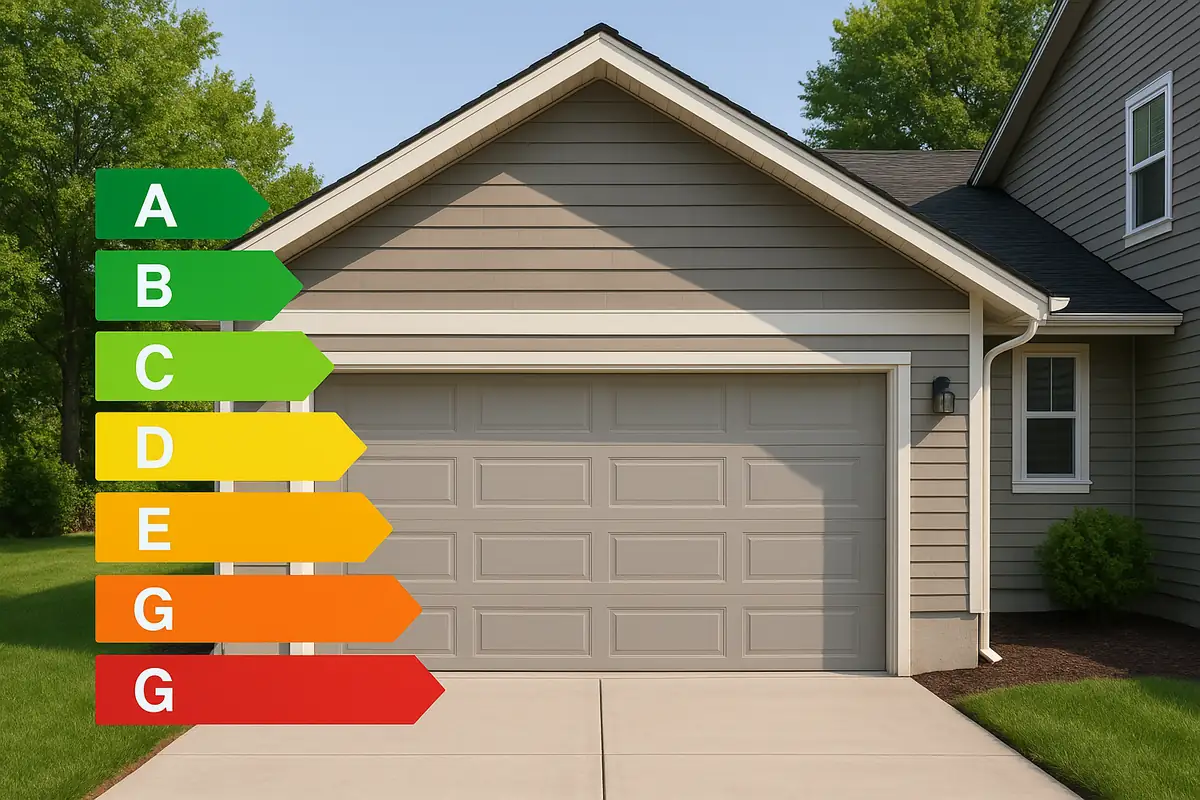
How to Extend the Life of Your Garage Door: Tips from AllStar Garage Door Repair in Oak Park, CA
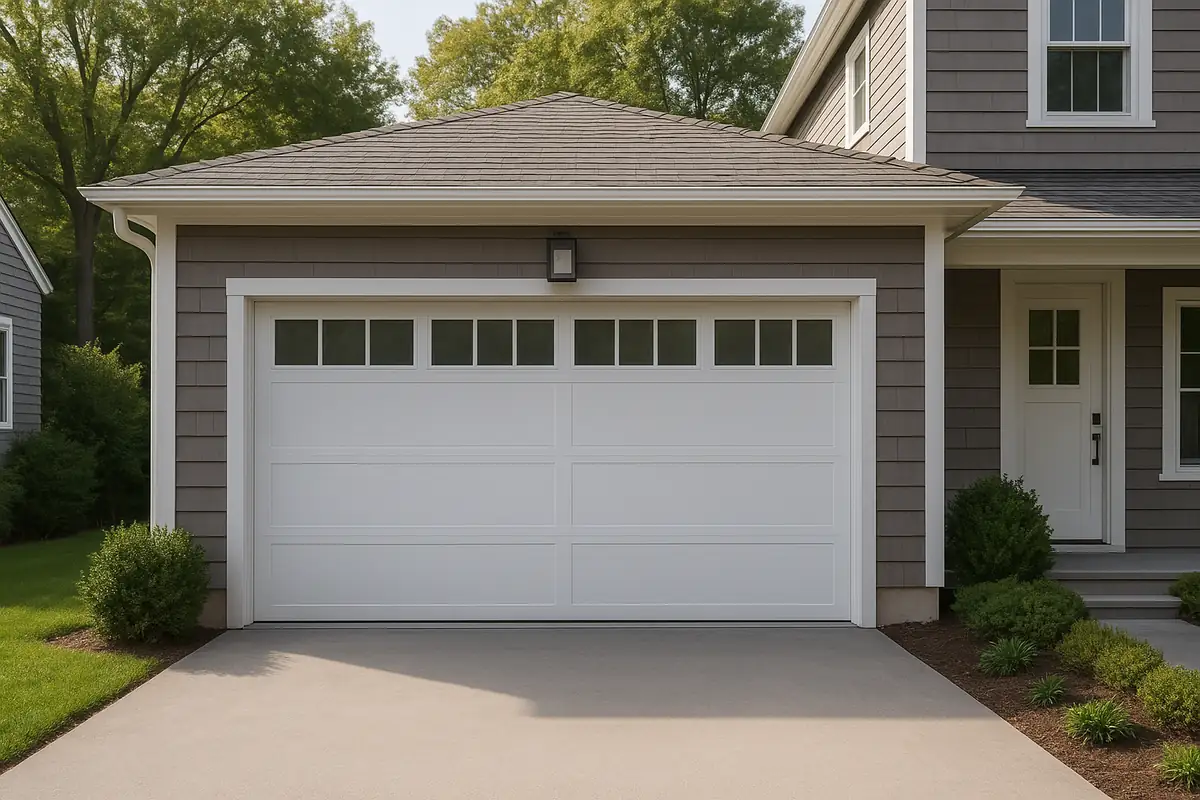
Common Garage Door Problems and How to Fix Them: Expert Insights from AllStar Garage Door Repair